Uniq Password Generator
Generate unique, safe, customized passwords in one click.
- Chrome Extension
- JavaScript
- Privacy
- Security
Overview
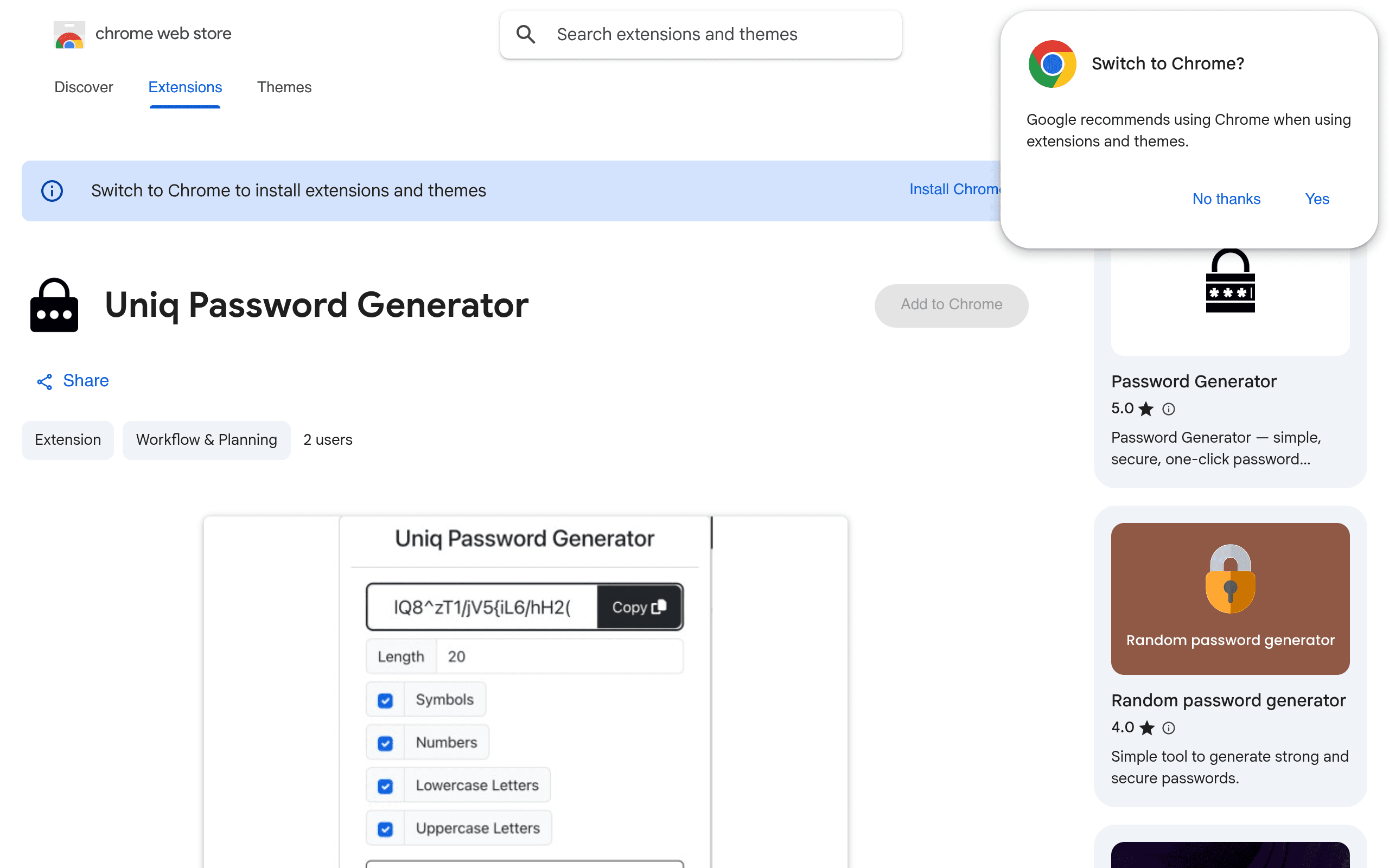
Uniq Password Generator is a simple, user-friendly Chrome extension for creating unique, safe, and customized passwords. It keeps the surface small on purpose: set a length, toggle numbers, uppercase, lowercase, and symbols, and copy a strong password without leaving the browser. I built and published it as a focused utility with no data collection.
The Problem
- People reuse weak passwords because generating a strong one feels like friction.
- Many generators are buried in websites or require accounts and unnecessary permissions.
- Users want quick control — length and character types — without a bloated security suite.
The Solution
- A one-click extension popup for custom-length password generation.
- Include/exclude controls for numbers, uppercase, lowercase, and symbols.
- Zero data collection — the developer declares no user data is collected or used.
Architecture
- Manifest-based Chrome extension with a lightweight popup UI for generation options.
- Client-side random generation only; nothing is sent off-device.
- Minimal permissions footprint aligned with a single-purpose utility.
Engineering Decisions
Popup over a full app
Passwords are generated in seconds. A focused extension popup beats a dashboard when the job is generate → copy → done.
No sync, no accounts
Avoiding cloud features kept the permission surface tiny and the trust story clean.
Challenges
Useful without being complex
Password tools fail when they expose too many knobs. I kept the defaults sensible and the options obvious: length plus character classes, nothing more.
Trust for a security utility
For a password generator, collecting data would be disqualifying. Shipping with an explicit no-collection privacy declaration was part of the product, not a legal afterthought.
Lessons Learned
- Small utilities win when they remove one moment of friction completely.
- For security tools, what you refuse to build (accounts, telemetry) is part of the brand.
- Ship early, keep the scope tight, and let the Web Store listing do the distribution.
Tech Stack
Extension
- Chrome Extension
- JavaScript
- HTML/CSS
Security
- Client-side generation
- No network
Distribution
- Chrome Web Store
Screenshots
Next case study
Authic